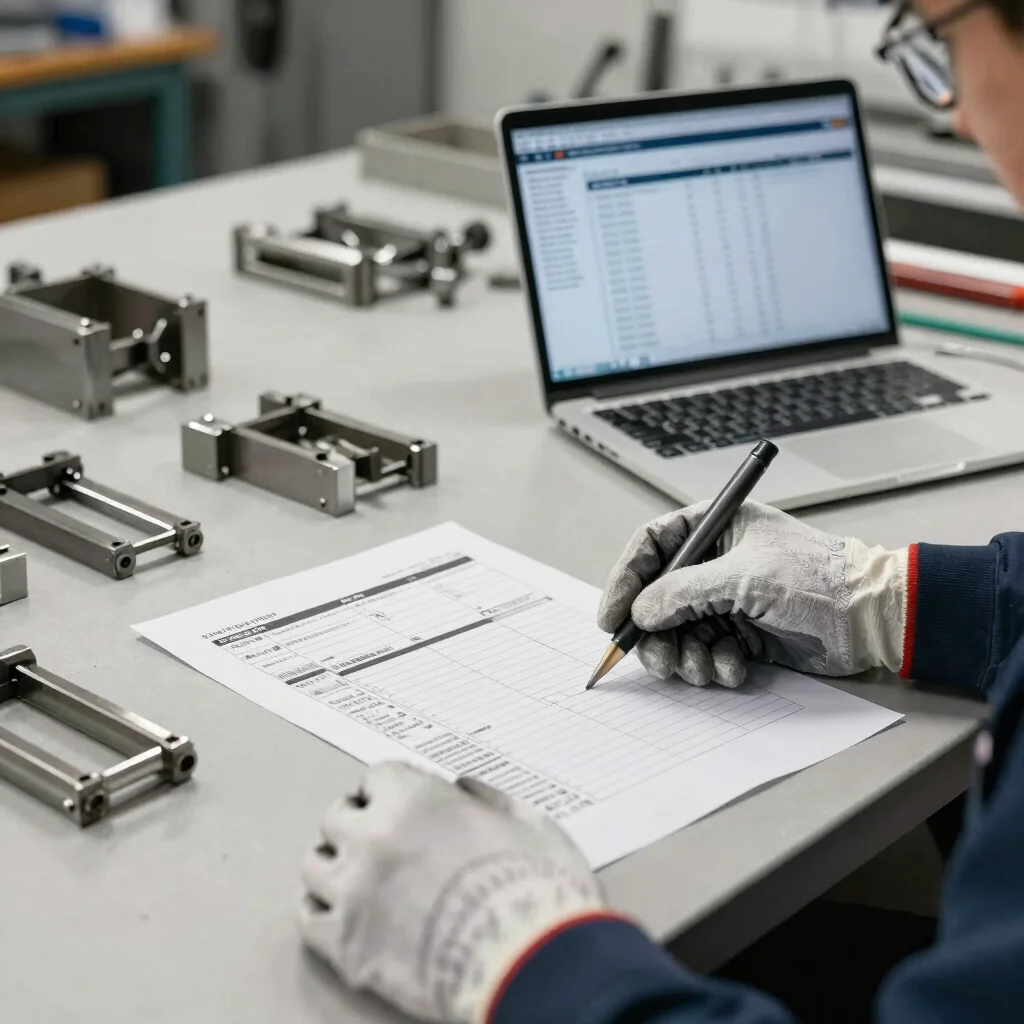
The quote looked workable, the job shipped, and then the final cost was a surprise. For a small manufacturer or service shop, that gap often starts with ordinary workflow friction: material gets issued without a job reference, labor is recorded late, or outside processing is filed under a general expense.
Give each job a clear record
A work order can provide the operational link between the job and the work being done: what is being made or repaired, which materials are required, and which steps are complete. Job costing becomes more useful when material issues, labor entries, and approved outside services can be associated with that same job.
Decide how your business will handle indirect shop costs before comparing software calculations. Overhead allocation depends on the accounting approach you choose, so a displayed job total is not automatically comparable with another system’s total.
Design for timely entries
Keep the recording step close to the work. If employees need to leave the floor, remember a code, and enter several details at the end of the week, job records are more likely to be incomplete or delayed.
During a software evaluation, follow one representative job from estimate to completion. Check whether the people responsible can record labor and material use without creating duplicate entries, and whether a manager can see which costs are actual, estimated, or still missing.
Use completed jobs to improve
Review finished jobs for differences between estimated and recorded costs, then look for a process explanation before changing the next quote. A variance might point to extra setup time, a material substitute, or a missed transaction rather than a problem with the original estimate alone.
When we include affiliate links to software, BizToolsAtlas may earn a commission. Recommendations should rest on relevant, verified information; where a detail has not been confirmed, we leave it out rather than presenting a guess as a feature.